You’ll find the lockers outside of our main store at 2427 West Broward Blvd


You’ll find the lockers outside of our main store at 2427 West Broward Blvd
You can download the mobile app or sign in through our web portal.
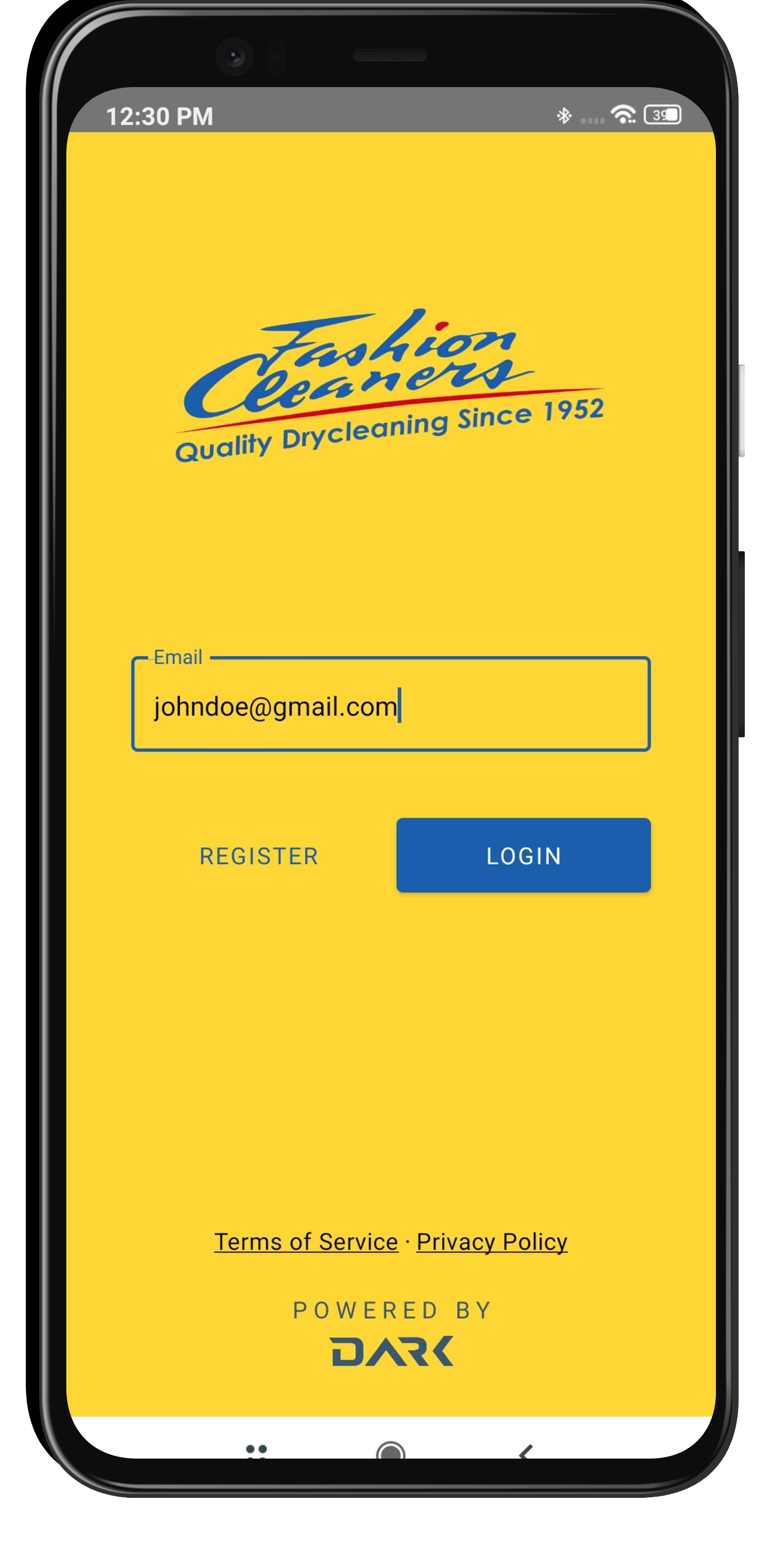
Please enter your email and access your account. If you are not signed up, you must register.
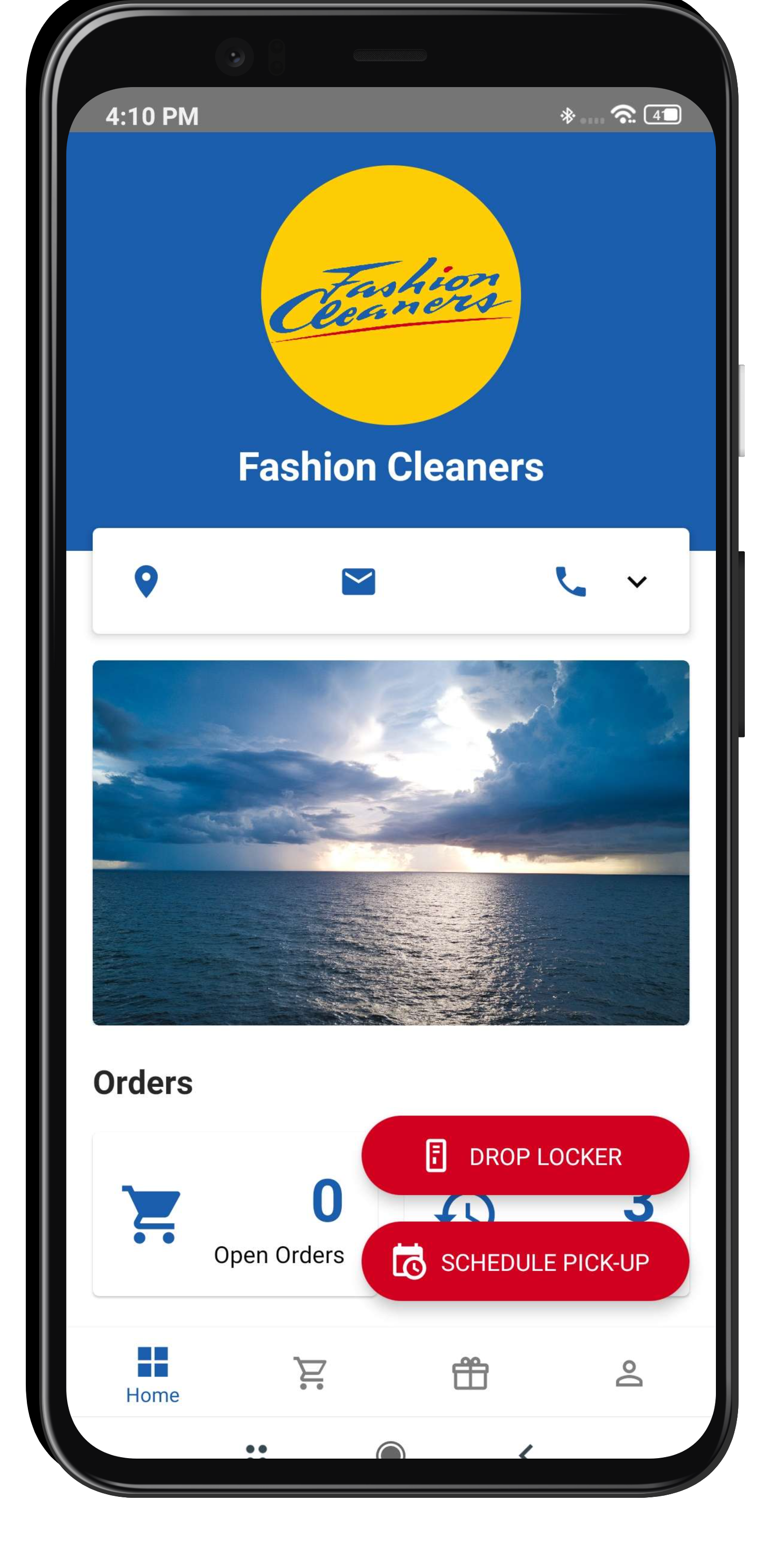
Once signed in, you’ll find a “Drop Lockers” button on the bottom right. You must open it.
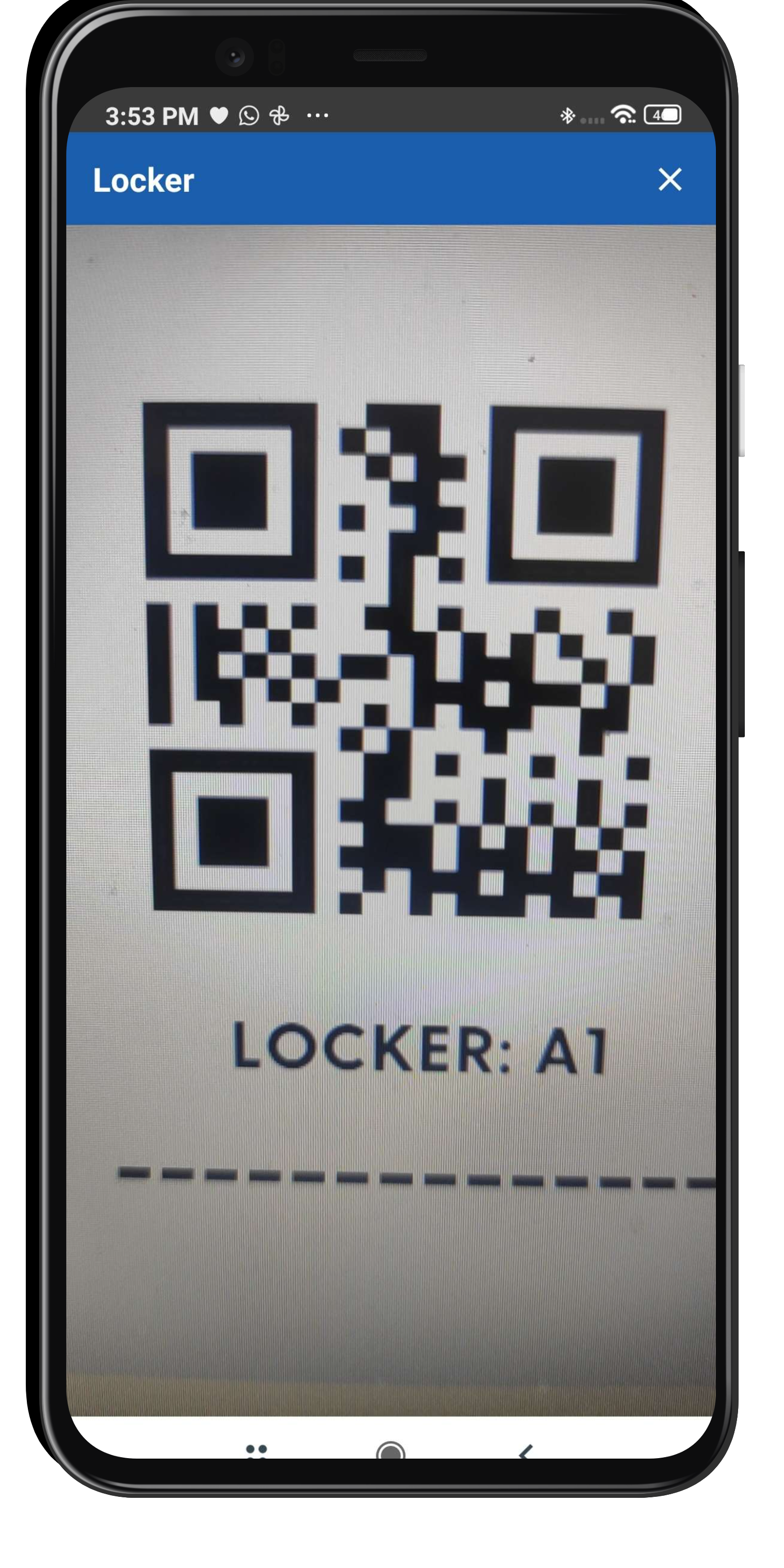
When you open the locker door, you will find the locker ID (i.e. A1), along with a QR code. Please enter the locker number or scan the QR code.
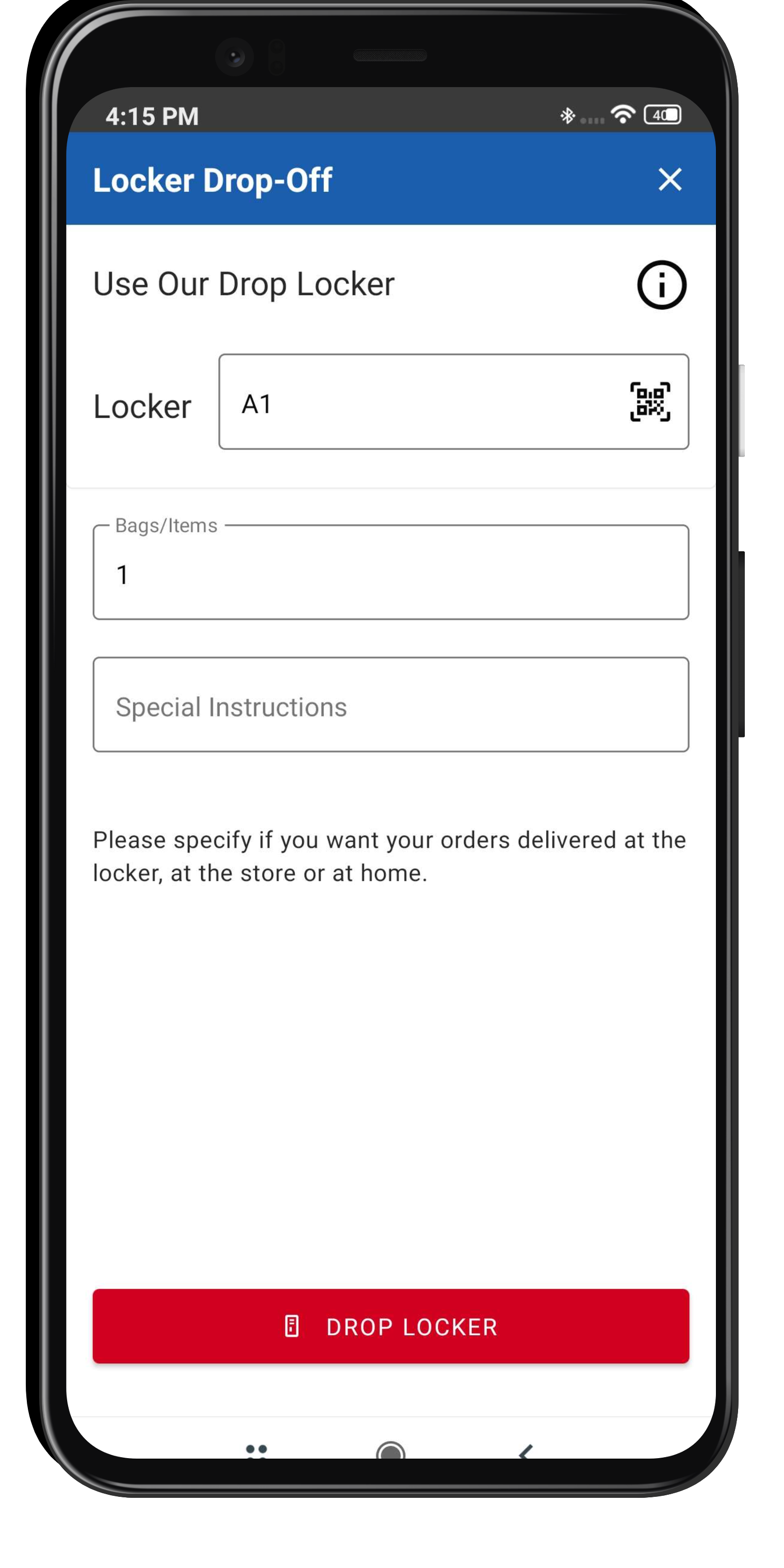
Enter the number of Bags or Items, along with Special Instructions. Please specify how you want the order delivered.
Once the order is created, you will see this message on the app:
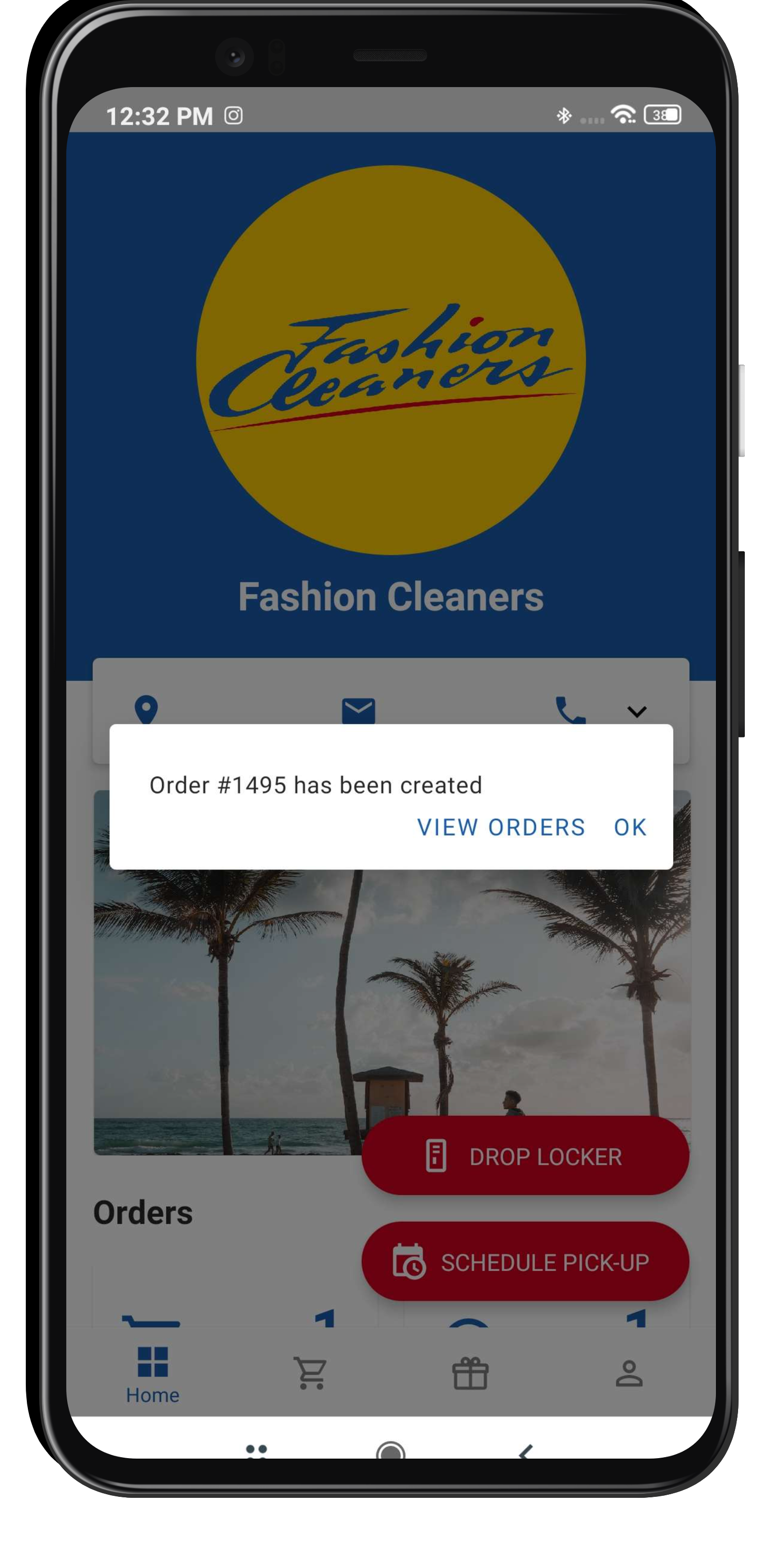
Our team will receive a notification and your order will be processed shortly!
You will receive two notifications along the way:
1. When the order is picked up by our employees.
2.When the order is ready and dropped at the locker. It will tell you the locker number and the pin you must enter to open it.

Sign up, Schedule Pickup & Relax while we take care of your Garments!

